Design your own 747 cabin
What would you put inside a jumbo if you could start with an empty cabin? Build a passenger airline layout, a flying home or a combination of the two.
05 / Cabin studio
A jumbo, arranged your way.
Create an airline cabin or a flying home. Choose a module, then select a zone on either deck to place it.
Original block model, not to scale or a certified seating plan. Fixed stairs, galleys and lavatories stay outside editable zones. Lounge and bedroom spaces do not count as passenger seats.
Select a zone to replace its contents. The label shows its current layout.
passenger seats
Ten main-deck zones and three smaller upper-deck zones. Each module occupies one zone.
Your design stays in this tab. Download it before leaving.
Main deck
▲ Nose · flight deck above
Fixed stairs ↕ · galley · lavatories
Upper deck
▲ Forward
Fixed stairs ↕
Why this is a creative model
Real cabins must account for exit access, aisle widths, seat pitch, structural loads, crew stations and evacuation requirements. These blocks illustrate the trade-off between space and seating capacity; they do not validate an aircraft interior. A bedroom is not a substitute for an approved seat during takeoff and landing.
How to design
Choose a module and select a deck zone to replace it. Start with the airline layout, the flying-home preset or an empty canvas. The seat counter changes as you work. Download a scalable SVG when you want to keep or print the result.
Space comes at a price
In this model, one main-deck zone holds 30 economy seats, 12 business seats or four private suites; upper-deck zones are smaller. Lounges and bedrooms add no takeoff seats. These are invented block capacities, not approved layouts. Stairs and service spaces are reserved outside the editable zones. A real design requires detailed exit, aisle, structural and evacuation analysis.
For actual airline layouts, visit the seat-map collection. For the exterior, try the livery designer.
Related topics
What Boeing supplied, and what the airline chose
Almost everything inside a 747-400 cabin was buyer-furnished and fitted under STC, which is why approved cabin modifications run to dozens.
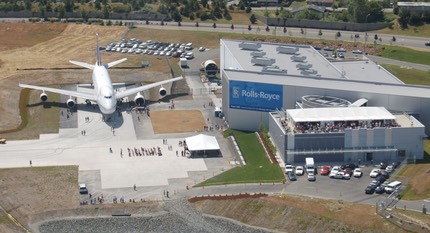
The 747 as a flying testbed
General Electric, Rolls-Royce and Pratt & Whitney all fly engines on 747s - because a four-engined aircraft can carry a strange engine safely.
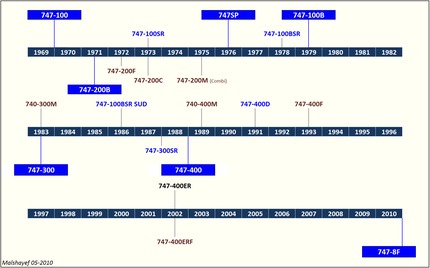
747 Timeline
A Boeing 747 chronology from the 1963 design study to the final delivery in January 2023, with rollout, first flight and delivery dates.
About Alykhan Virani
Meet Alykhan Virani, the Boeing 747 enthusiast who researches, writes and reviews the independent reference pages on Boeing-747.com.

Active Boeing 747 Fleet Tracker
Track confirmed passenger and cargo Boeing 747 operators with dated fleet counts, primary sources, methodology and downloadable records.
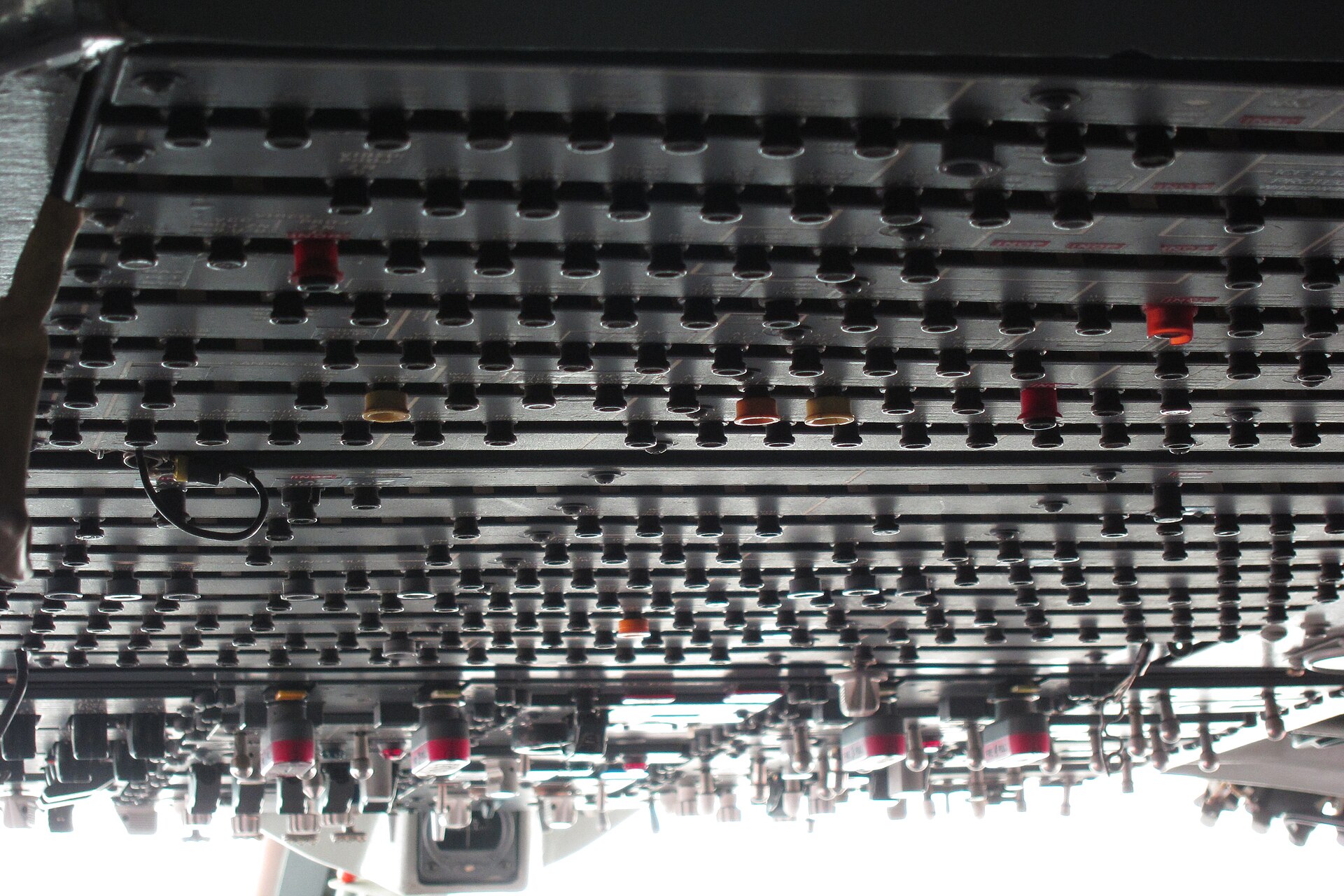
When the 747 tells the crew something is wrong
Master caution, TCAS, GPWS and windshear alerting - how the 747 warns the crew, and what each warning actually means.
More in Features
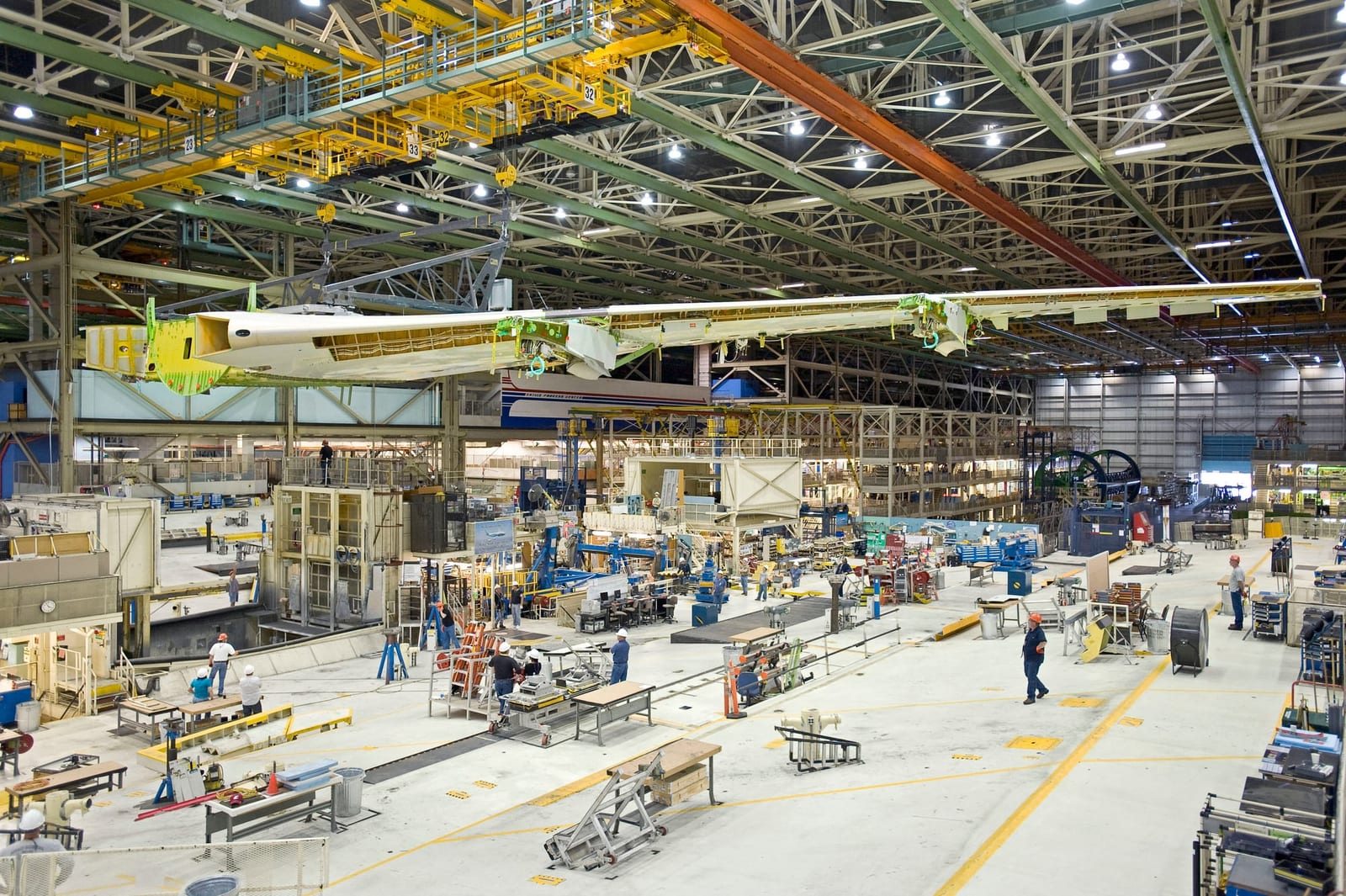
Features
Explore Boeing 747 stories and interactive tools, including a livery designer, cargo game, cockpit displays, engine audio, spotting guides and memories.
Explore the Boeing 747
Design a 747 livery, load a freighter, explore cockpit instruments, find flights and spotting locations, hear engines and share aircraft memories.
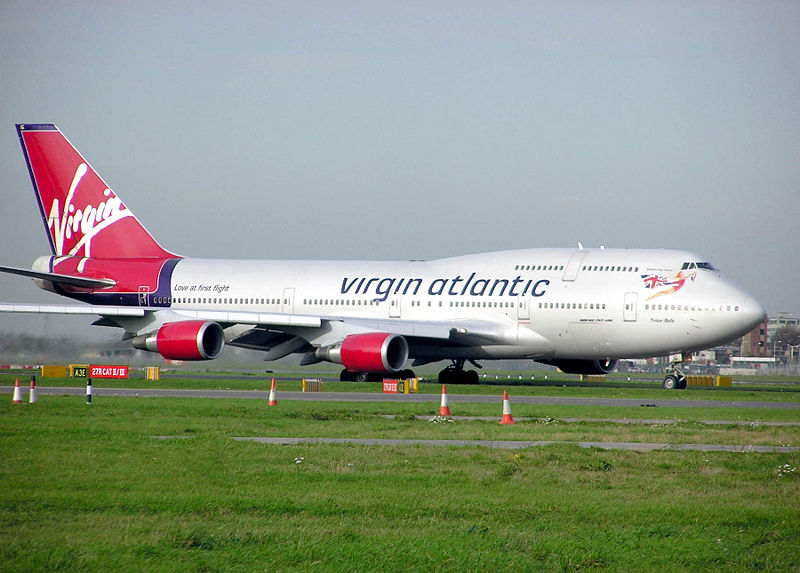
How to Identify Boeing 747 Variants
Identify Boeing 747 variants from photographs using upper-deck length, wingtip shape, fuselage length, engine nacelles and freighter doors.
The building that had to be built first
Boeing had no building big enough for the 747, so it built the largest building in the world by volume - and assembled the aeroplane while it was going up.
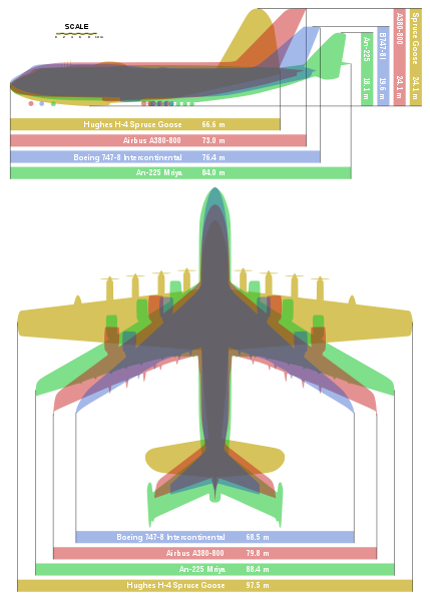
747 versus A380
The two largest airliners ever built, compared - size, capacity, economics, and why both are now out of production.
Where Can You Still Fly on a Boeing 747?
Find reported passenger Boeing 747 routes, check schedule dates and aircraft changes, and browse airline seat maps before choosing a flight.