Your Boeing 747 spotting logbook
Record 747 sightings and flights by registration, date and airport. Edit your entries, undo the last deletion, and export a CSV backup from a logbook stored only in this browser.
Keep a record of the 747s you have seen or flown on. Add the aircraft registration, the date, an airport or place, and any details you want to remember. Use one entry per sighting or flight, so you can record the same aircraft more than once.
Your sightings and flights
Enable JavaScript to save a personal logbook in this browser.
CSV imports add entries and skip exact duplicates. Use the five headings in an exported backup. Up to 500 entries; files up to 4 MB. Spreadsheet formula prefixes are escaped on export.
No entries yet. Add the first 747 you have seen or flown on.
Keep your own backup
Your entries are stored in this browser on this device. The logbook does not send them to a server or sync them between devices. It works with optional analytics or external media blocked. Clearing website data, changing browsers or closing a private browsing window can remove them. Export a CSV backup regularly; you can import it on another device.
If storage is blocked or full, you can still use the logbook during this visit and export it before leaving. It will tell you when entries cannot be saved permanently. On a shared computer, use an exported file or your own browser profile for personal notes.
Imports add validated entries and skip exact duplicates. The required CSV headings are registration, date, airport, activity and notes; activity must be seen or flown. Notes can contain commas, quotes and line breaks when quoted as they are in an exported backup. Unsafe spreadsheet formula prefixes are escaped on export.
Use the aircraft registry to research a registration, or practise identifying shapes with the photo quiz.
Related topics
What Boeing supplied, and what the airline chose
Almost everything inside a 747-400 cabin was buyer-furnished and fitted under STC, which is why approved cabin modifications run to dozens.

The 747 as a flying testbed
General Electric, Rolls-Royce and Pratt & Whitney all fly engines on 747s - because a four-engined aircraft can carry a strange engine safely.
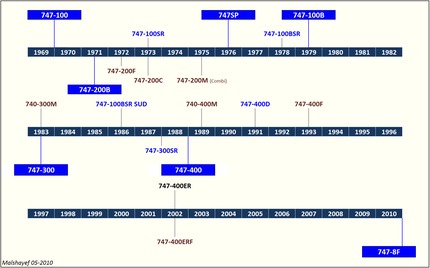
747 Timeline
A Boeing 747 chronology from the 1963 design study to the final delivery in January 2023, with rollout, first flight and delivery dates.
About Alykhan Virani
Meet Alykhan Virani, the Boeing 747 enthusiast who researches, writes and reviews the independent reference pages on Boeing-747.com.

Active Boeing 747 Fleet Tracker
Track confirmed passenger and cargo Boeing 747 operators with dated fleet counts, primary sources, methodology and downloadable records.
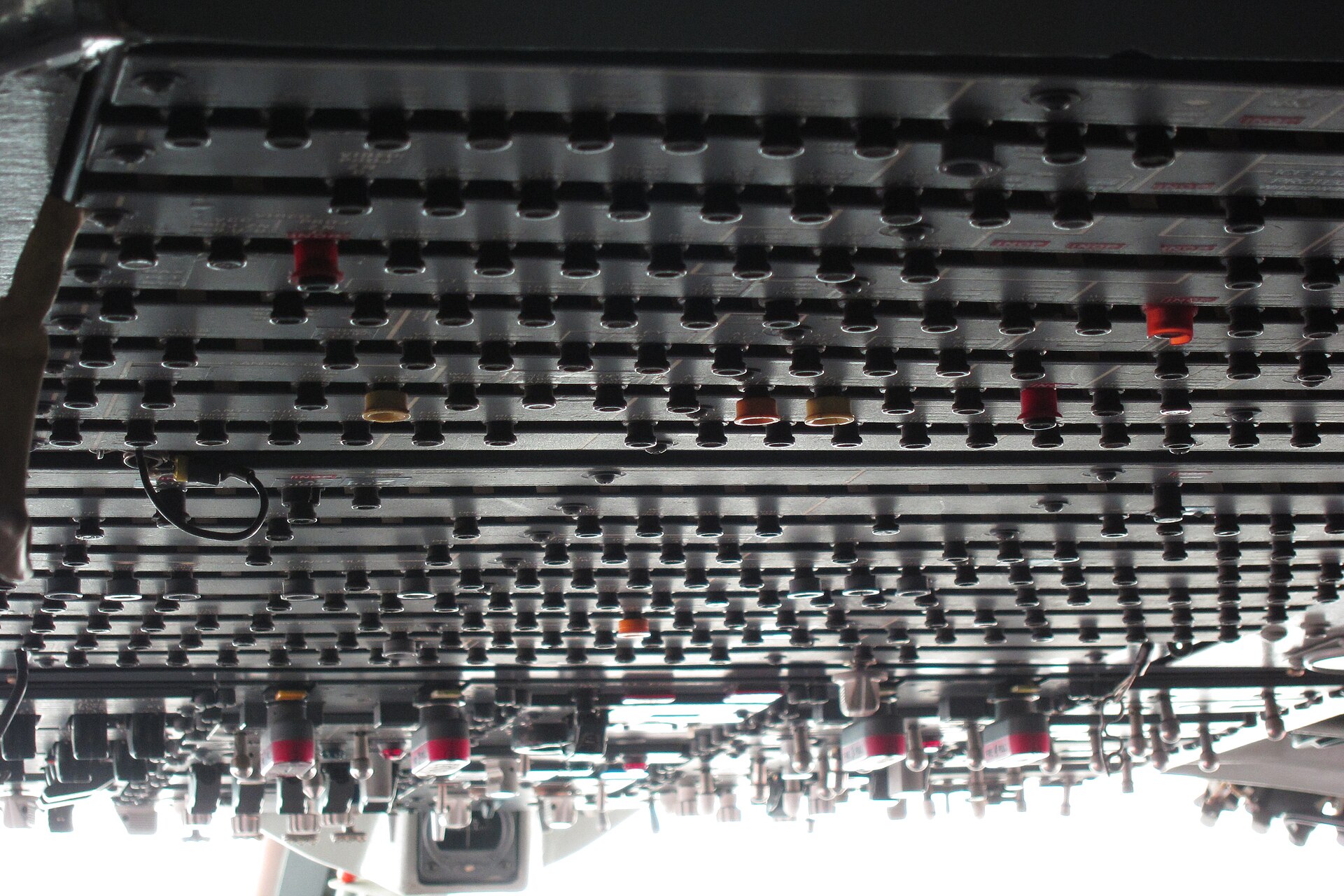
When the 747 tells the crew something is wrong
Master caution, TCAS, GPWS and windshear alerting - how the 747 warns the crew, and what each warning actually means.
More in Features

Features
Explore Boeing 747 stories and tools: a systems cutaway, aircraft size comparison, passenger route guide, photo quiz and personal spotting logbook.
Explore the Boeing 747
Explore a 747 cutaway, compare aircraft sizes, find passenger routes, read airframe histories, take a photo quiz and keep a personal spotting logbook.
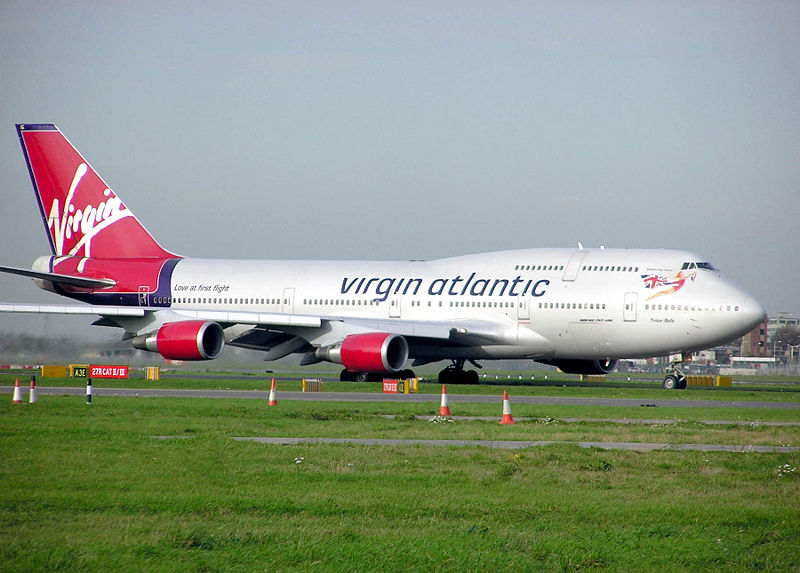
How to Identify Boeing 747 Variants
Identify Boeing 747 variants from photographs using upper-deck length, wingtip shape, fuselage length, engine nacelles and freighter doors.
The building that had to be built first
Boeing had no building big enough for the 747, so it built the largest building in the world by volume - and assembled the aeroplane while it was going up.
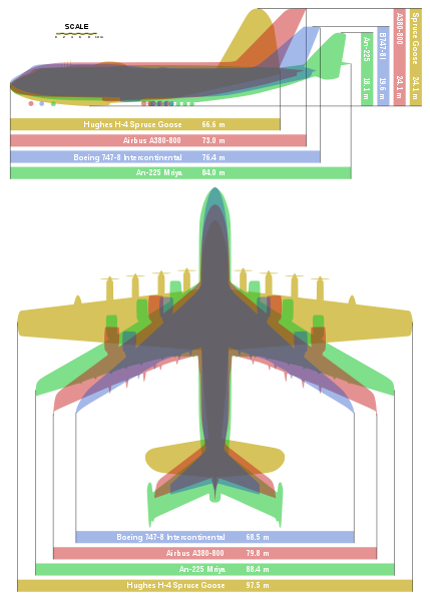
747 versus A380
The two largest airliners ever built, compared - size, capacity, economics, and why both are now out of production.
Where Can You Still Fly on a Boeing 747?
Find reported passenger Boeing 747 routes, check schedule dates and aircraft changes, and browse airline seat maps before choosing a flight.